Honest Owl
A free, local AI study buddy for K-12, university, and any school using Canvas — or a general-purpose flashcard creator without Canvas. Turn assignments into flashcards and quizzes, and actually learn the material.
A free, local AI study buddy for K-12, university, and any school using Canvas — or a general-purpose flashcard creator without Canvas. Turn assignments into flashcards and quizzes, and actually learn the material.
Turns each Canvas class into a local course and each assignment into a section, with due dates, links, and automatic refresh. Switch between active and archived courses whenever you like.
Use a photo, scanned page, or PDF as study material. With a free vision-capable model downloaded from Hugging Face through Honest Owl, the app can read the page and, optionally, keep the extracted text for later study sets.
Generates multiple-choice, multi-answer, and short-answer questions from your assignments, then gives immediate feedback.
Create your own courses and sections, write flashcard sets by hand, edit generated sets, and attach your own photos or PDF pages.
Study all of an assignment's sets together, or run Study All across a whole course. Each completed set records its own score and badge.
Export a course bundle with selected sets and attachments, or a single set as a file. Quiz history stays on your device; Canvas course exports strip private Canvas details.
The AI model runs locally on your own computer. Your coursework and chats stay on your machine; only optional public web-reference lookups send a search query.
We offer a series of prebuilt flashcards covering course topics and vocabulary across a wide range of courses, spanning K-12 in all major subject areas. Courses are downloaded right in the app — select just the ones you want. Honest Owl is not limited to K-12: the app also works with university and other Canvas courses, or without Canvas as a general-purpose flashcard creator.
See the full catalog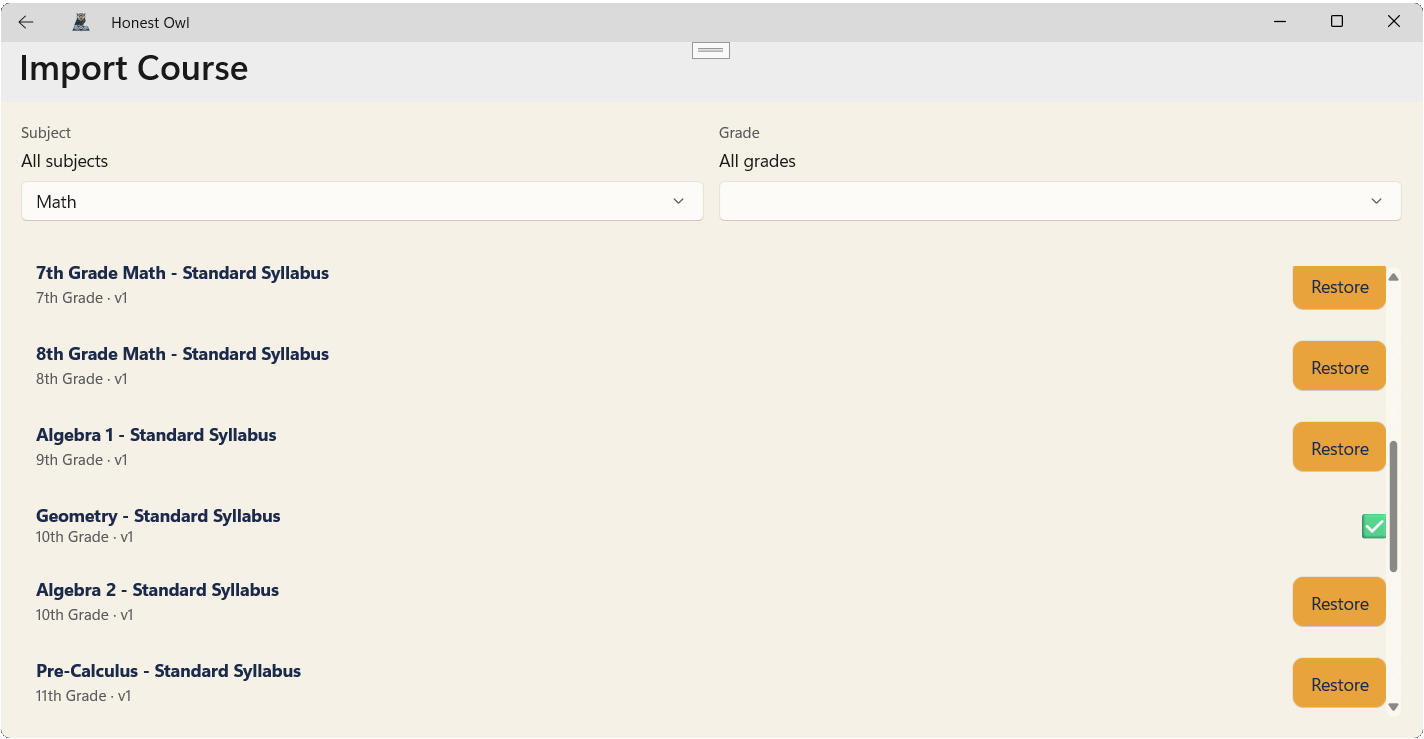
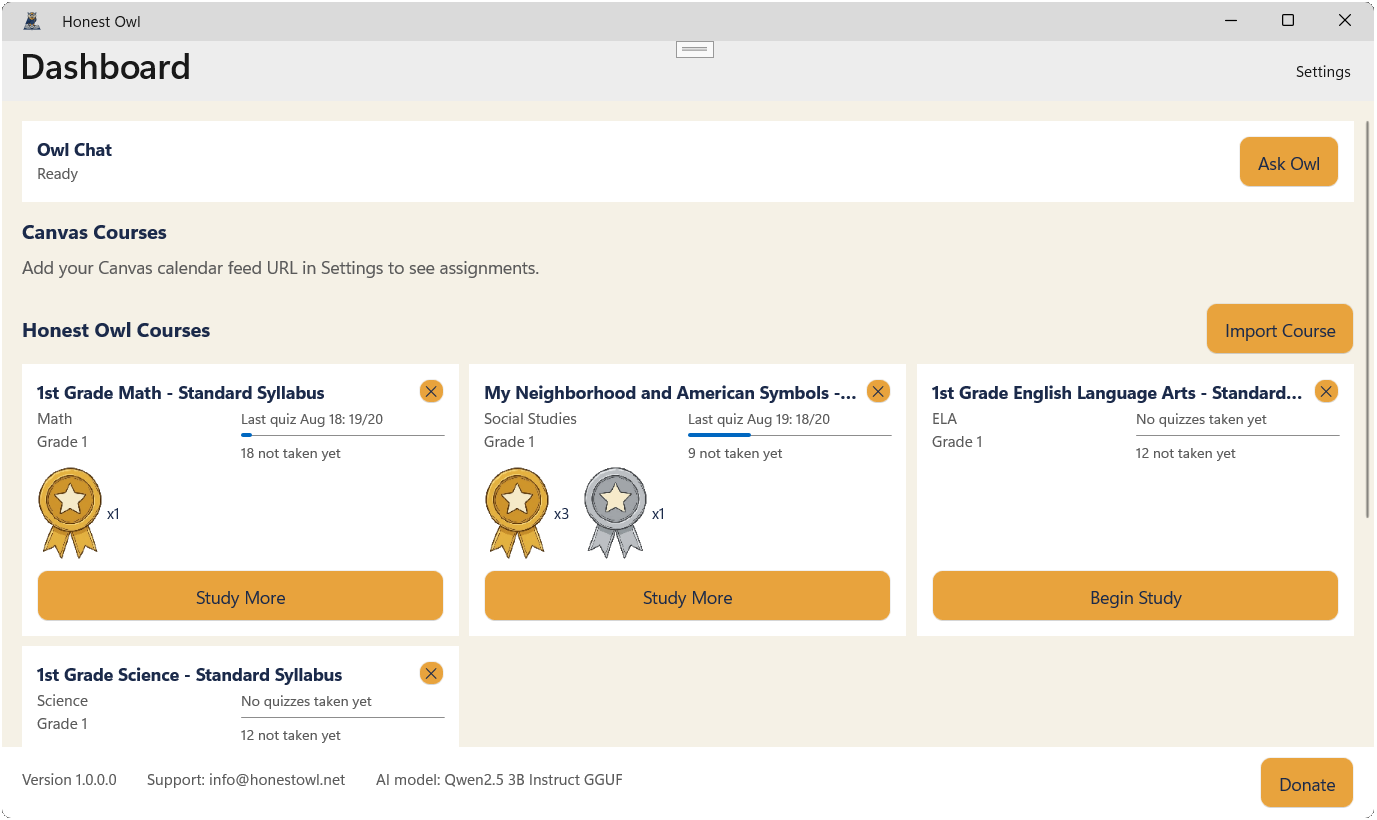
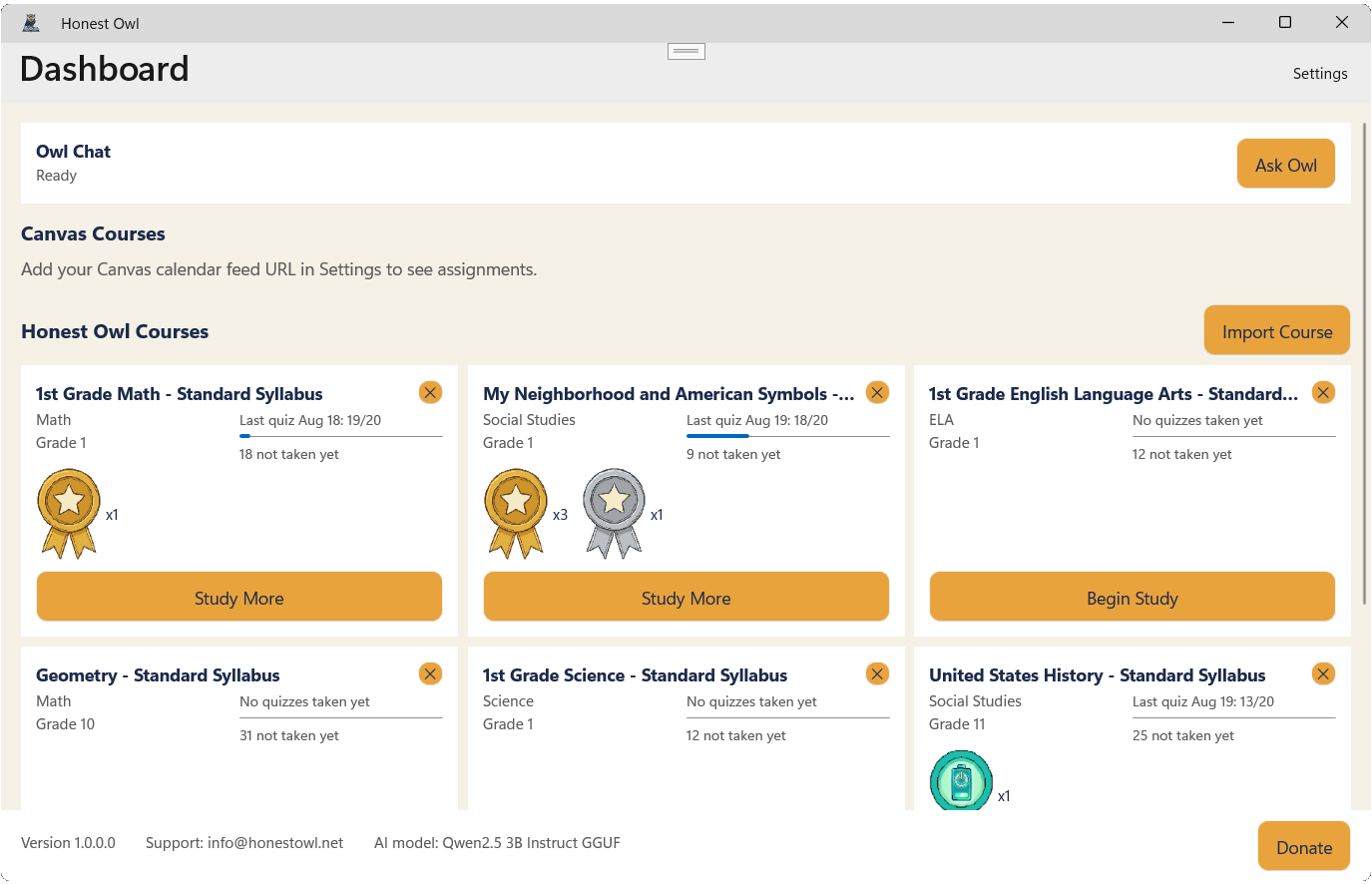
The Dashboard is home base — everything starts here. Jump straight into a chat with Owl, see your Canvas assignments as they come due, and pick up any course right where you left off.
Courses you've imported show your last quiz score and every badge you've earned along the way.
The layout adapts to whatever screen you're on — a small tablet, a roomy laptop display, or just half your screen while you work on something else alongside it.
Swipe or scroll for more →
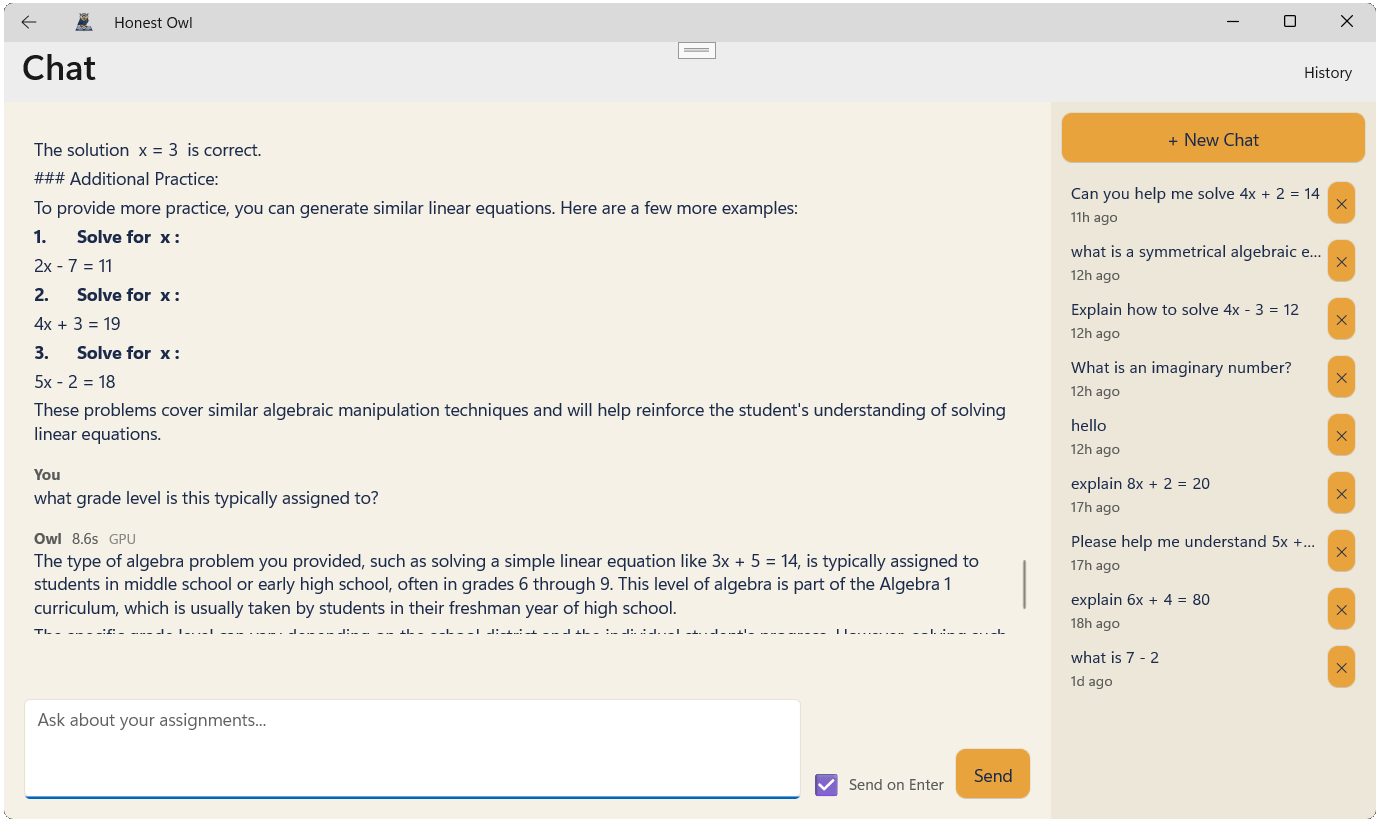
Ask Owl questions about your assignments and it'll help you work through them — without just handing you the answer. Every conversation is saved as its own session, so when you come back later, Owl remembers exactly where you left off.
With a free vision-capable model downloaded from Hugging Face through Honest Owl, you can also attach a photo of a worksheet or diagram and ask Owl about it.
Your chats never leave your computer — nothing is sent to the cloud.
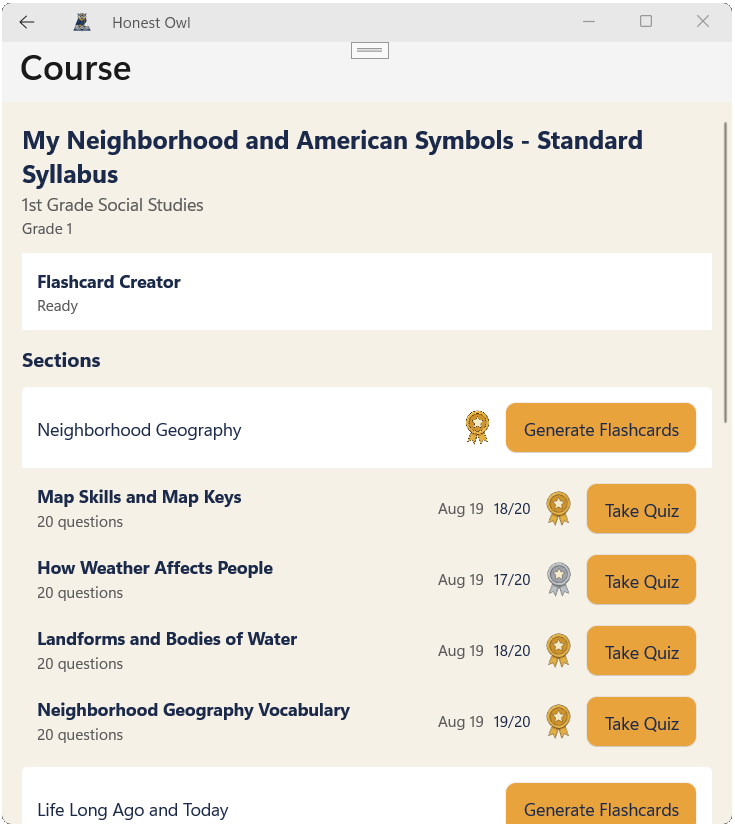
Whether a course came from your Canvas assignments or from Honest Owl's own course catalog, its detail page keeps every section organized and shows your quiz history and badges earned right alongside it.
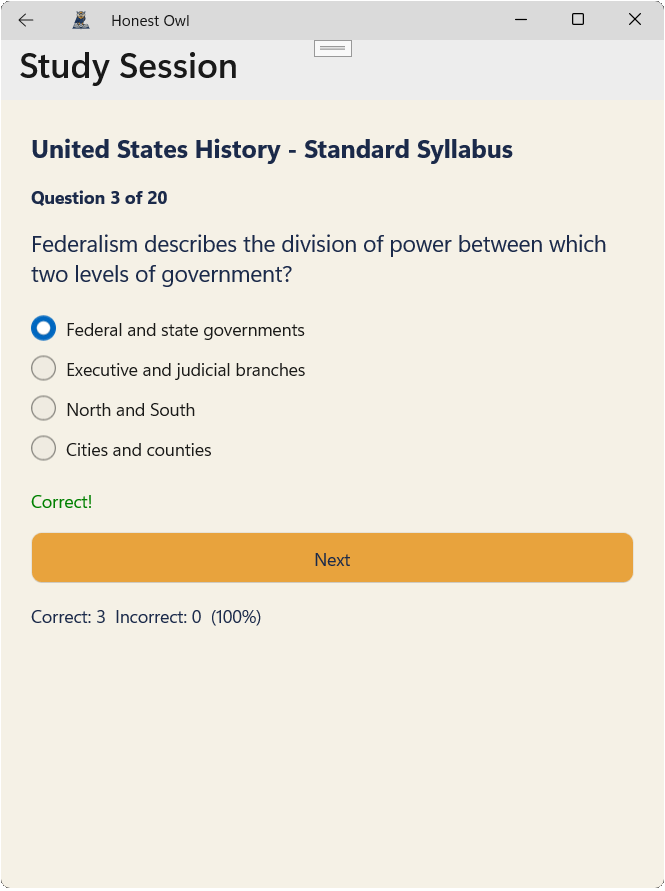
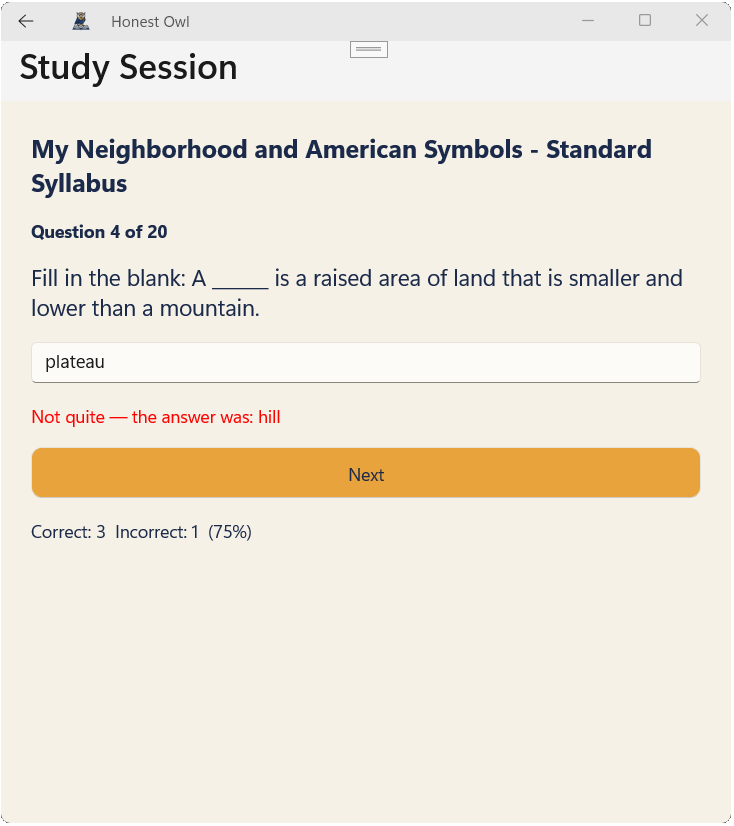
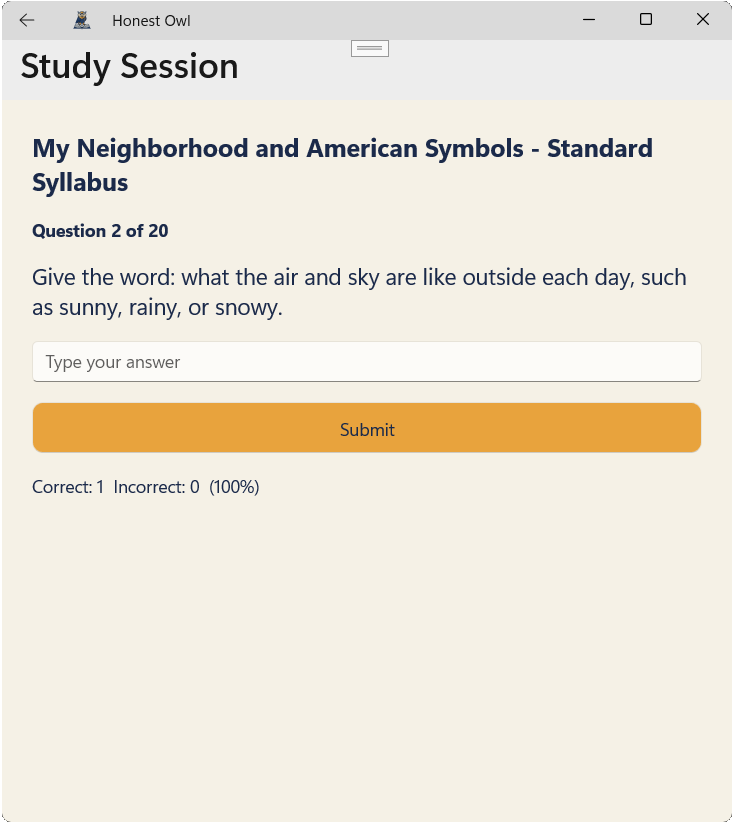
Flashcards turn into multiple-choice, fill-in-the-blank, and short-answer quiz questions. Get one right and Owl tells you so right away — get one wrong and it shows you the correct answer with encouragement to keep going instead of just a red X. You can study a single set, every set for a section, or all non-empty sets across a course.
Swipe or scroll for more →
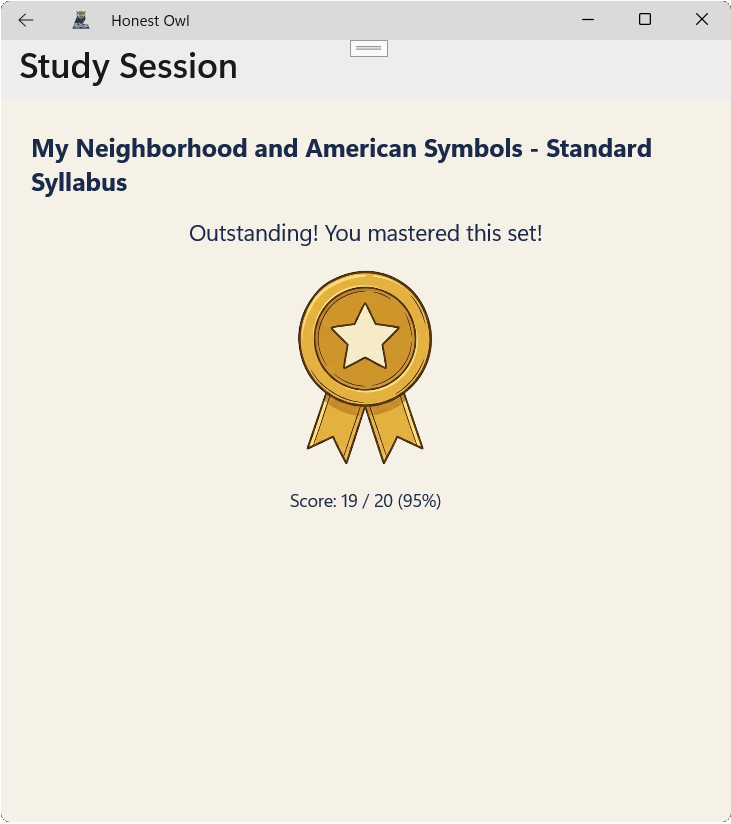
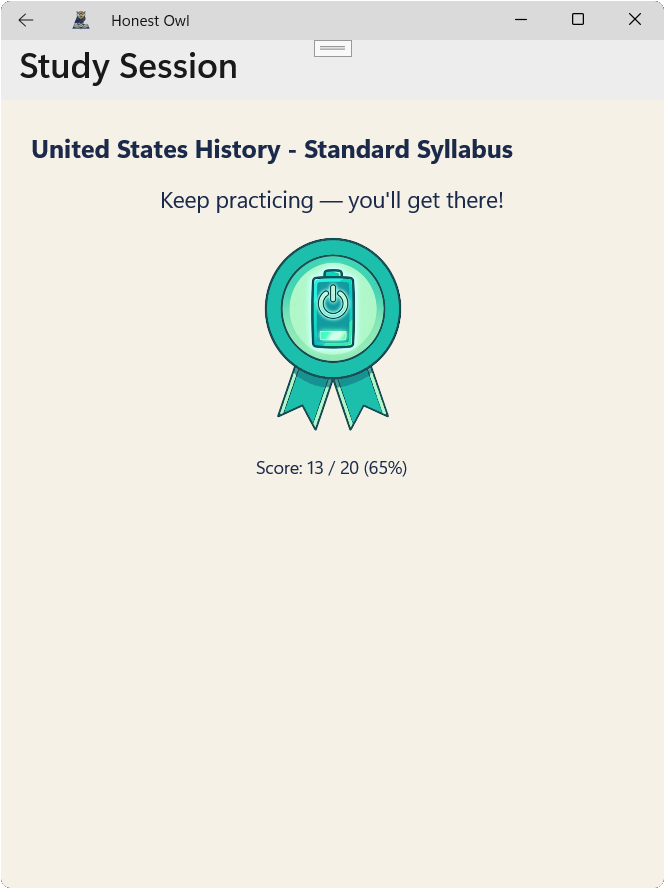
Finish a quiz set and Owl awards a badge based on your score: Gold for 90% and up, Silver for 80–89%, and Bronze for 70–79%. Score below 70% and you'll get a gentler badge with encouragement to try again.
Your scores and badges are tracked entirely on your own computer and never leave it.
Swipe or scroll for more →
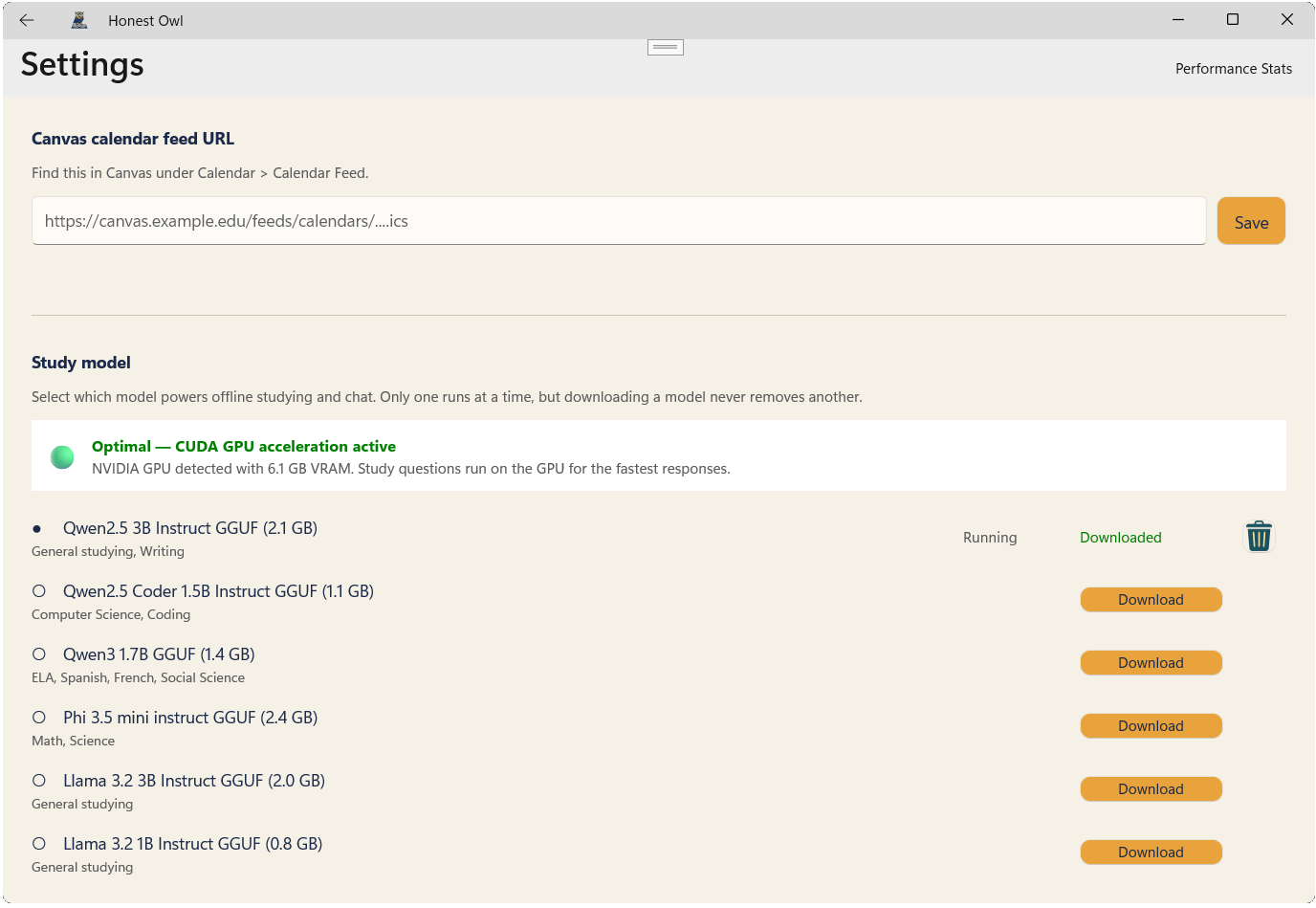
Choose from several local AI models sized for different subjects and machines. Got an NVIDIA graphics card? Honest Owl automatically uses it for faster responses — no GPU, no problem, it falls back to your computer's processor (CPU) instead.
Honest Owl is built to help you study, not to write your essays or solve your homework for you. It's designed to ask guiding questions and quiz you on concepts — the same way a good tutor would.
Once you've downloaded a model and pulled down your Canvas assignments or Honest Owl courses, the app works offline. The optional public web-reference source sends only its search query; the app never automatically exports your quiz results or usage patterns — your data stays on your computer.